Every subscription. One calendar.
SubTrack catches the money that slips: Netflix renewals. Know what renews before it charges, on iPhone and Android.
Free forever. No card, no tiers.
Three steps to a calmer bank statement
Under a minute to set up. Watching your money by tonight.
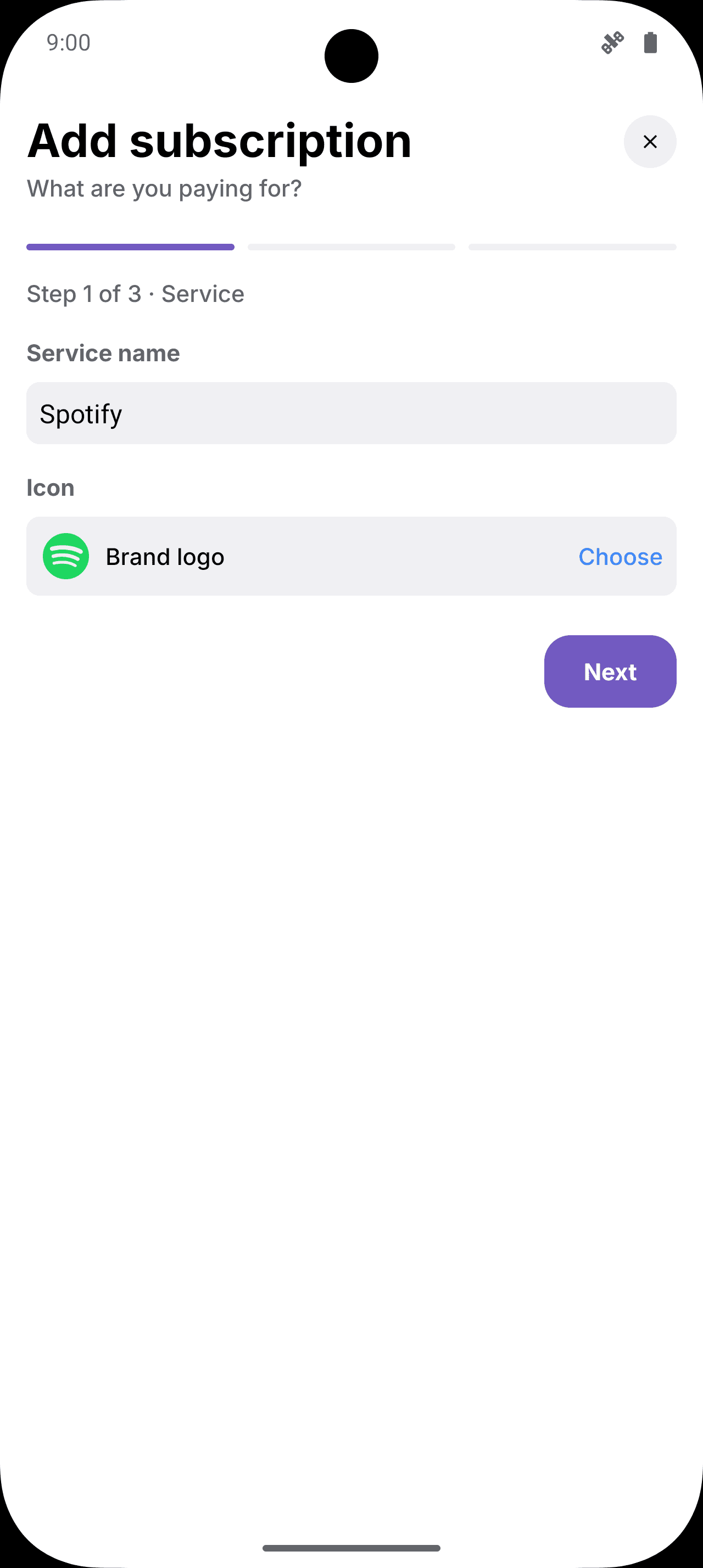
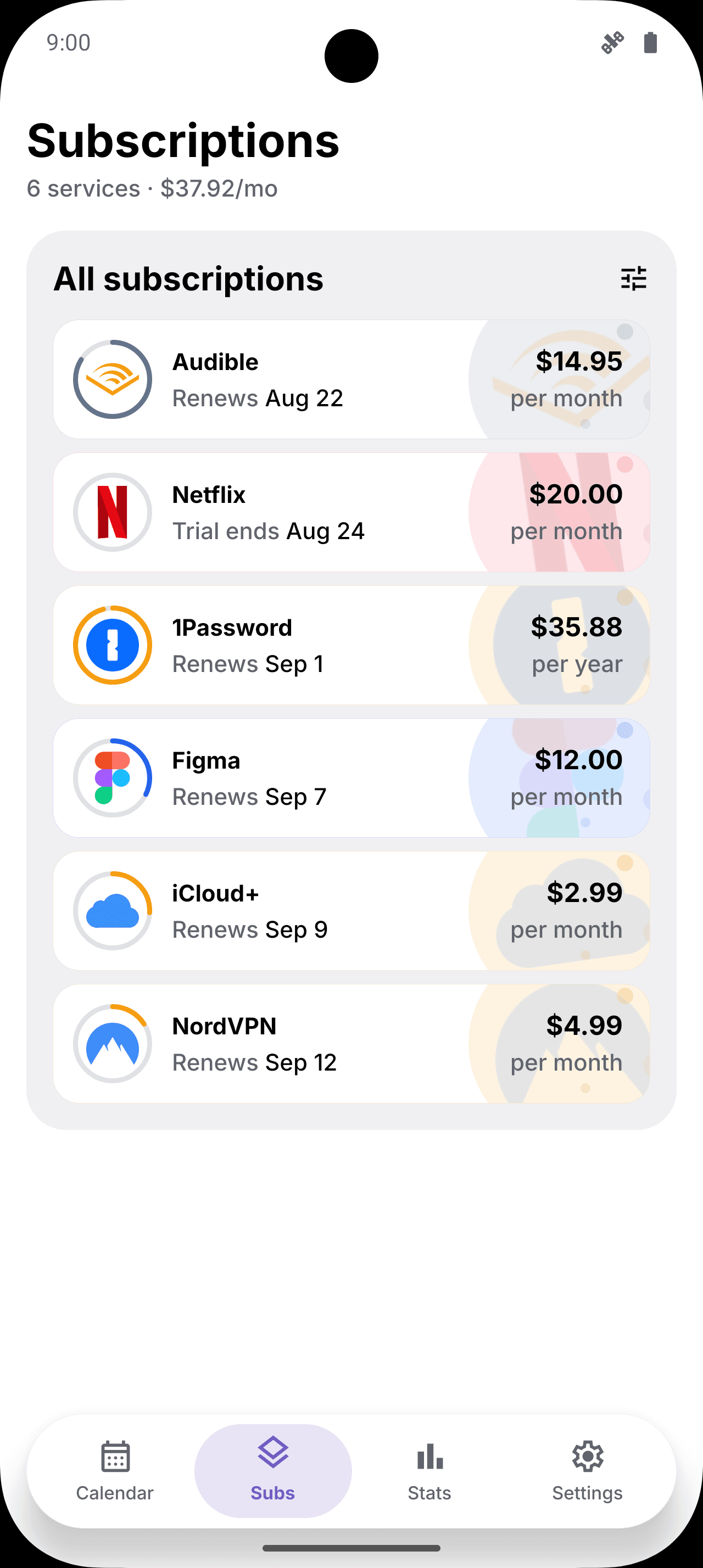
Add your subs
Pick a service and the logo, price and billing day fill themselves in. Or import a CSV, or paste what Gemini found in your Gmail.
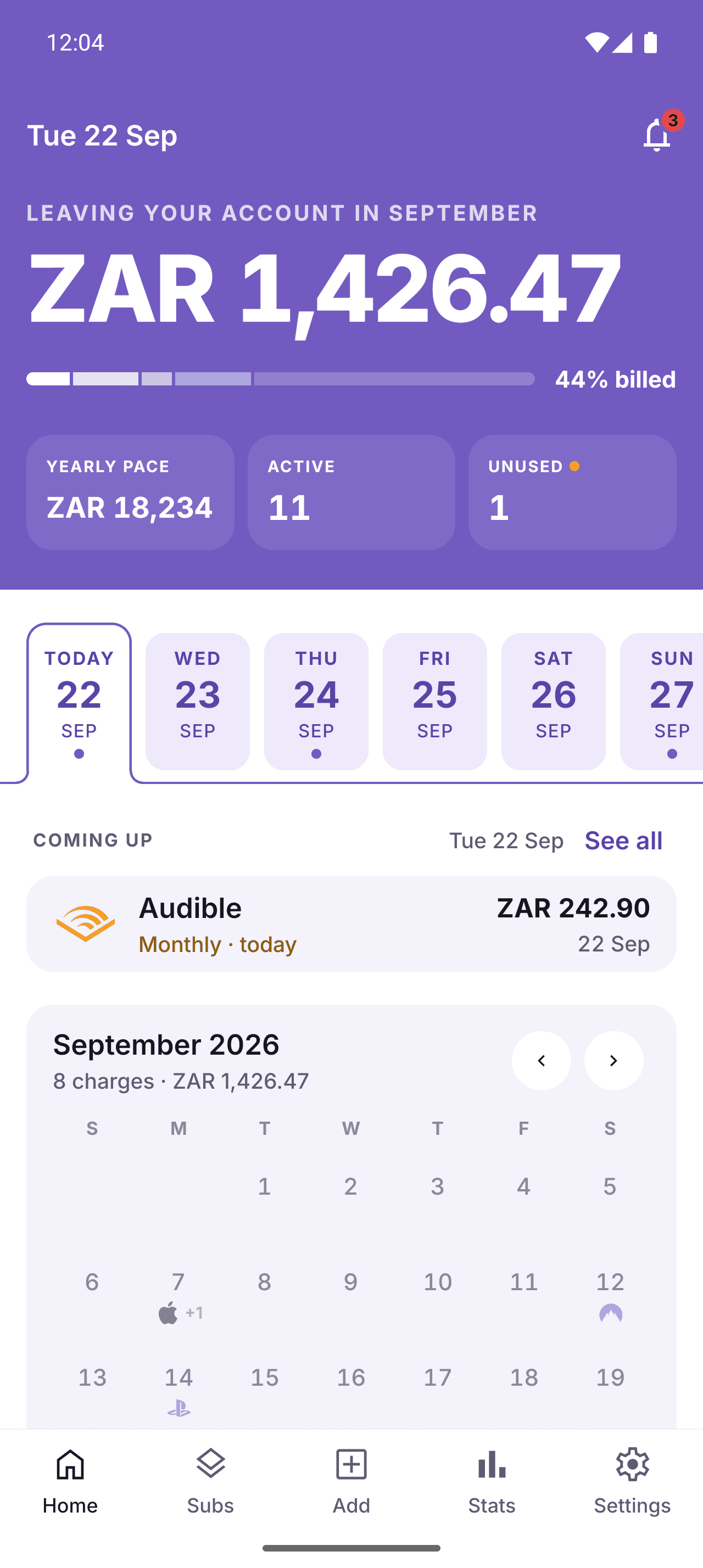
See the month
Every renewal on one screen with your running total and the week ahead, so nothing sneaks past payday.
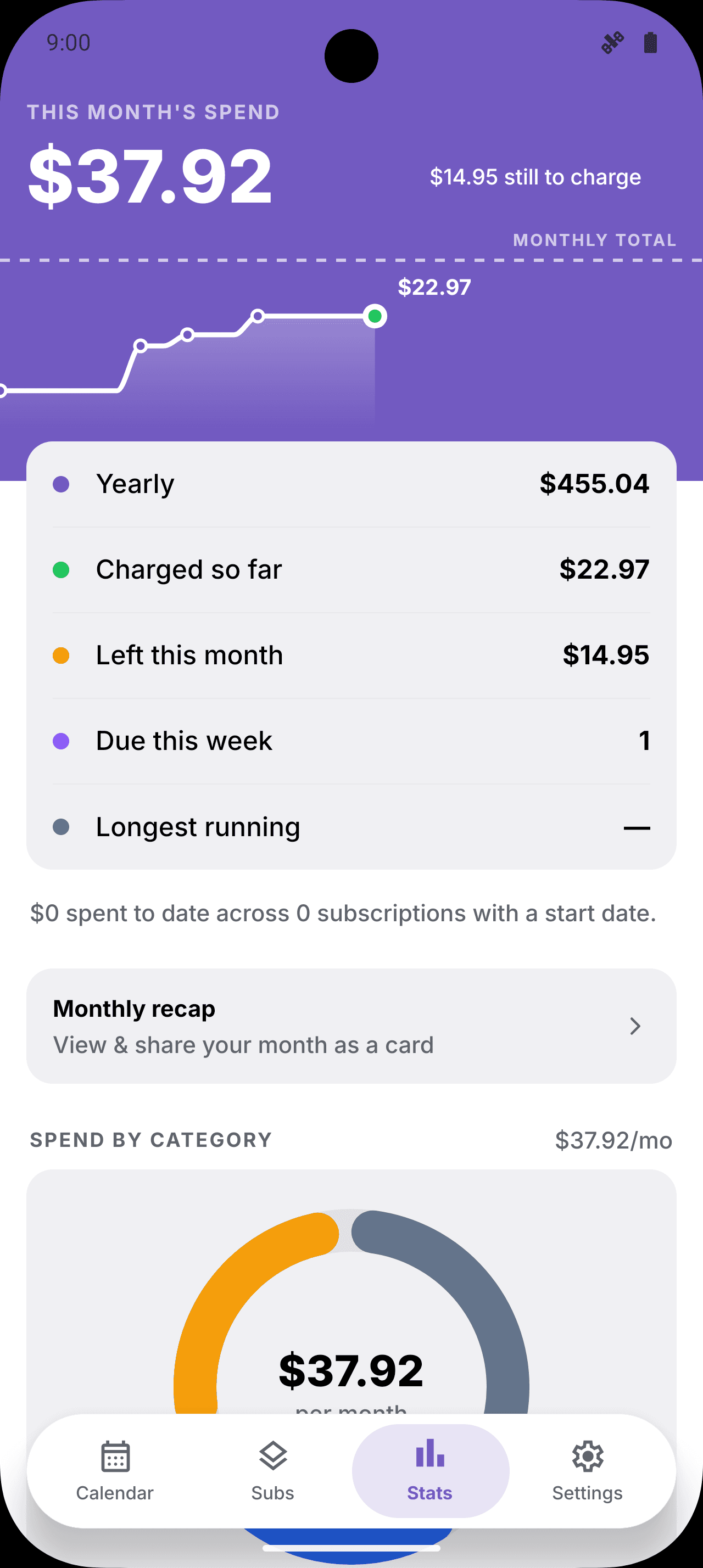
Catch the waste
Trials about to convert and subscriptions you stopped using get flagged before they charge again.
Built on what you asked for
Thank you for the downloads and the feedback. Here is what changed.
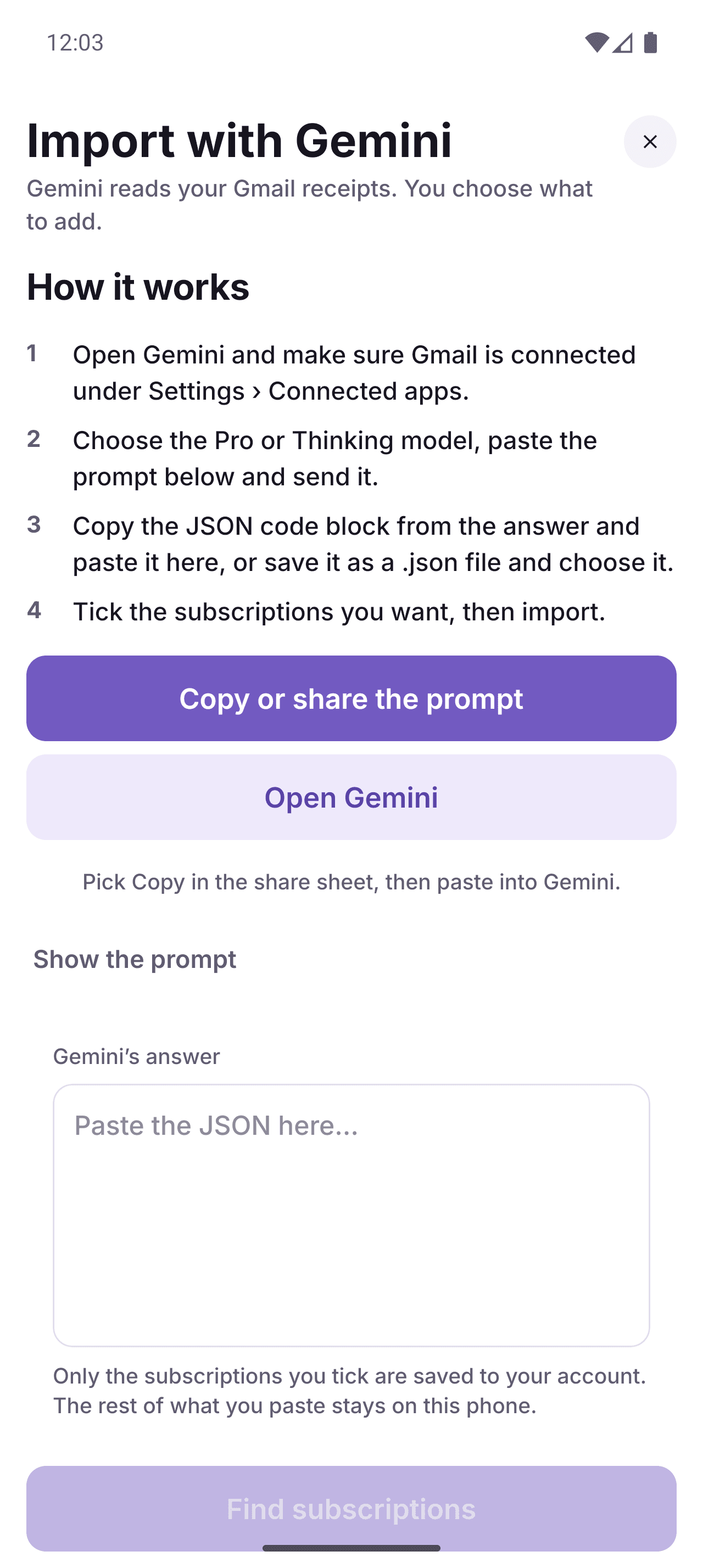
Import from Gmail with Gemini
Ask Gemini to list the subscriptions in your inbox, paste its answer, and review each candidate before anything is saved. SubTrack never connects to your mailbox.
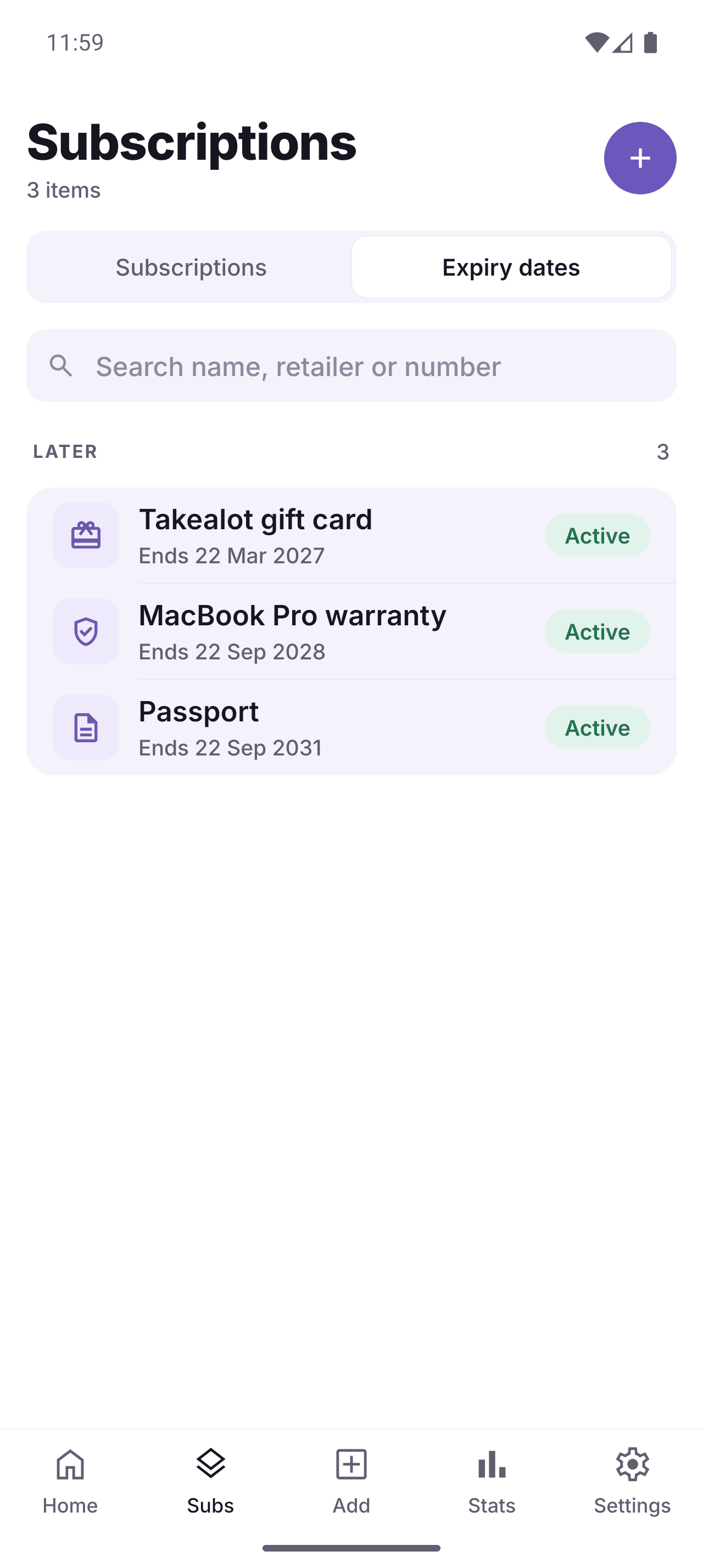
Receipts and expiry dates
Keep the invoice with the subscription. Track warranties, return windows and vouchers, with a reminder before they lapse.
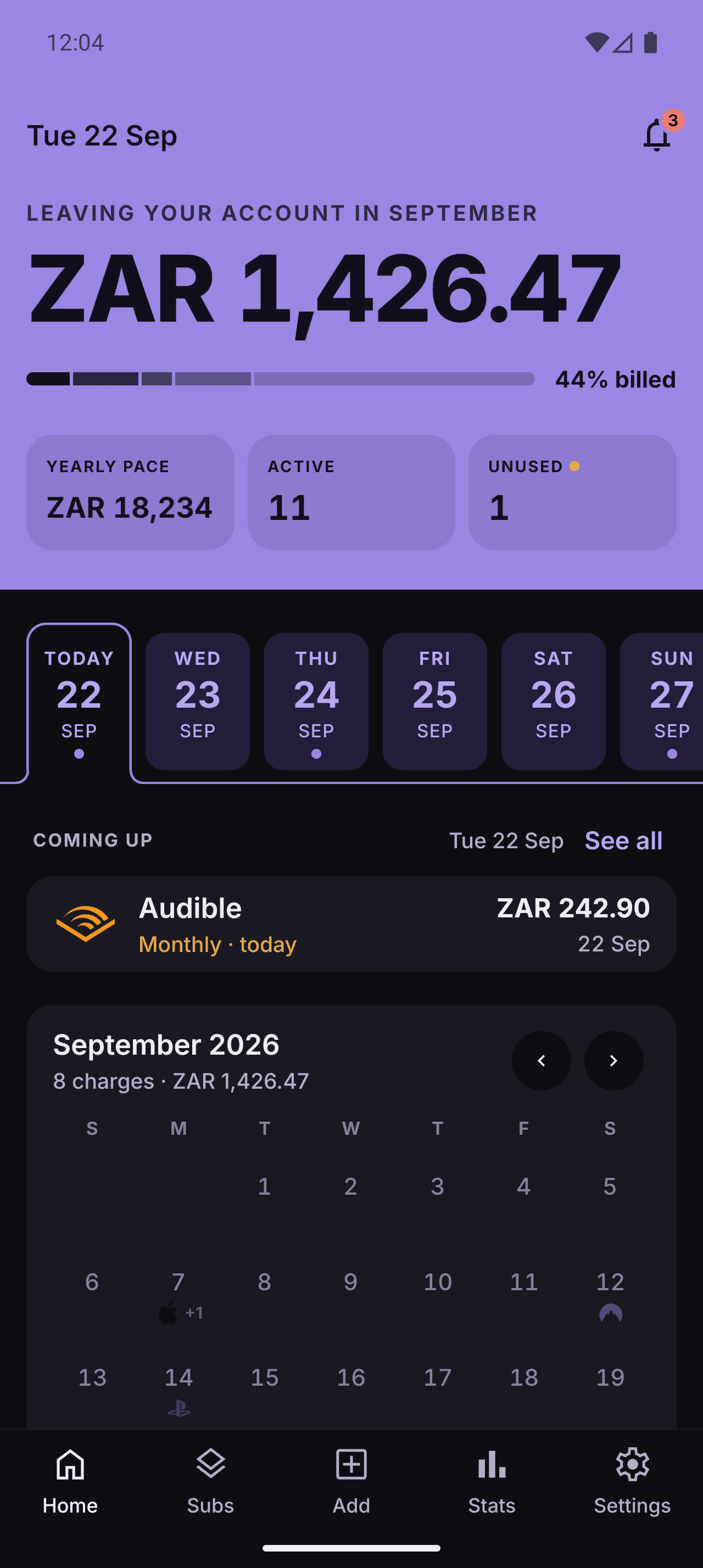
Dark mode
System, light or dark, your call. Plus a symbols icon set and 240+ brand logos, so every tile looks like the service it is.
Built for the money you forget about
Free-trial alerts
A countdown to convert day, then a nudge. Keep it or cancel it before the first charge.
Notice periods
Gym and insurance contracts carry cancellation windows. We remind you on the last day that counts.
Any currency
Price each sub in the money it actually charges. Totals convert into yours, refreshed daily.
Price history
Record a hike when it happens. Old charges keep the old price, so your history stays honest.
Gmail import with Gemini
Paste Gemini's summary of your inbox and review the candidates. No mailbox access, nothing saved until you say so.
Receipts and expiry dates
Keep the invoice with the subscription. Track warranties, returns and vouchers with reminders before they lapse.
Share cards
Turn any subscription into a clean image for whoever splits the bill with you.
Dark mode and a widget
System, light or dark, plus a home-screen widget with your next renewals and monthly total.
People tracking from every timezone
Forgotten subscriptions don’t care what currency you use. Neither does the calendar.
“Found two forgotten subs in five minutes. Paid for itself, and it's free.”
“One month view for every renewal. That's how I actually budget now.”
“USD tools, SGD totals. Multi-currency is the feature I open it for.”
“CSV import mapped my bank dump. Cancelled R$280/mo of dead tools.”
“Trial end dates finally stick. No more surprise charges on day eight.”
“We were double-paying for streaming. Reminders caught it before another cycle.”
Elena found $340 a year hiding in plain sight
Elena Popescu, a freelance photographer in Bucharest, tracked fourteen subscriptions in a spreadsheet she rarely opened. Within a week of switching to SubTrack, it flagged a design tool, a meditation app, and a cloud backup she had duplicated, all quiet for months.
She cancelled all three in one sitting. Checking the calendar now takes her under a minute a month.
“I thought I was on top of it with a spreadsheet. I was not even close.”
Saved this year
$0
FAQ
Yes. Every feature on this page, including reminders, the calendar, and CSV import, is free with no card required. There’s a voluntary coffee link in the footer if you want to support development.
Any currency. Price each subscription in the money you actually pay, and your totals convert into your home currency daily using current exchange rates.
Yes. SubTrack is on the App Store for iPhone and on Google Play for Android, with the same calendar on both.
Email or a push notification on your phone, sent a few days before each charge so you have time to act.
Import a CSV or JSON export from a spreadsheet or bank statement, or add each one by hand. Either way, prices and dates stay editable after.
No. Import with Gemini works from a summary you paste in: ask Gemini to list the subscriptions in your Gmail, paste its answer into SubTrack, and review each candidate before it is saved. SubTrack never connects to your mailbox.
Your subscriptions are tied to your account only. Nothing is sold or shared with advertisers.
Your money already knows where it goes. Now you will too.
SubTrack is free. Coffee keeps it that way.
No ads, no tiers, no card required — just one developer and a server bill. If SubTrack has caught a charge for you, a coffee keeps the reminders going out.
Buy me a coffeeOne-off. No account needed.